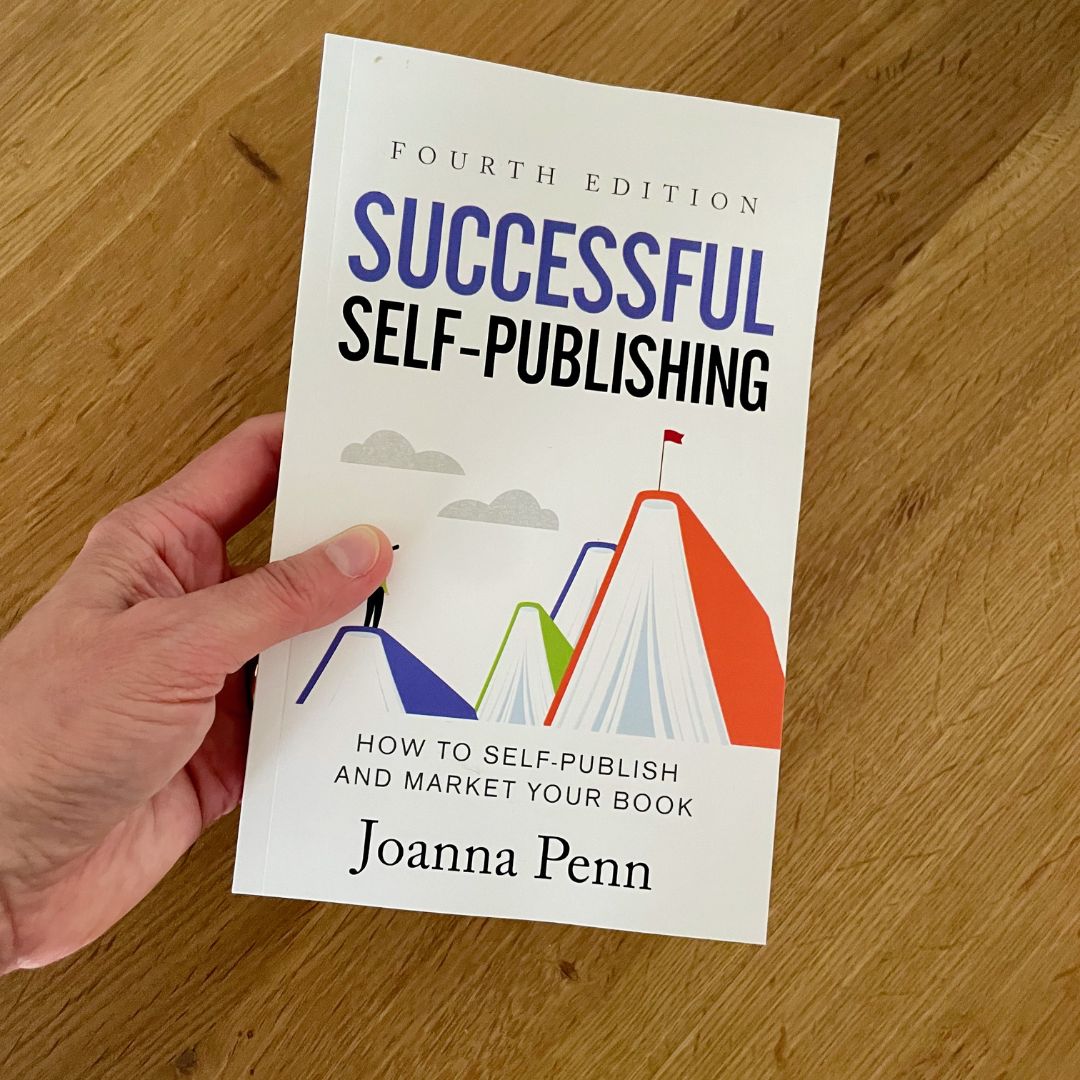
Successful Self-Publishing: How to self-publish an ebook
The main sites for ebook self-publishing are Amazon KDP, Kobo Writing Life, Barnes and Noble Press, Google Play Books, and Apple Books.
The main ebook aggregators are Draft2Digital (which acquired Smashwords in 2022), PublishDrive, and StreetLib. You don’t need to use all these companies, and they all offer different terms, so do your research and decide what’s best for you.
You can also sell ebooks direct from your own store and use BookFunnel to deliver the files seamlessly and handle customer support. Selling direct is covered in more detail in chapter 2.10.
You need the same information and files for each of the platforms and they have a similar set of fields, even if they look and feel slightly different.
None of the platforms require programming or any kind of deep technical ability. If you can use Google and MS Word, you can self-publish your ebook!
If you are in any way technically challenged or want help along the way, then consider Draft2Digital for everything. They offer ‘self-publishing with support’ and can help you through the process, even as you keep the control and rights to your books. There is no upfront payment and they take a percentage of sale, so they only make money when you do.
The best way to learn is to set up an account on your platform of choice and have a go. If you have all the relevant information ready, it shouldn’t take too long to get your book out into the world. Exciting!
Information needed to publish an ebook
Here are the main fields you need to fill in when self-publishing. Some of these are the same regardless of format, and others will change.
Language:
As a reader of this book, most of your books will probably be in English, but I’ve also self-published in French, German, Italian, and Spanish. Indie authors are moving into translation as new markets open up, plus many authors are now self-publishing from other countries.
Book title:
Enter the exact title as shown on your cover. Some authors used to ‘stuff’ keywords into the title field — for example, adding a phrase like “Paranormal romance with a noir detective twist” after their book title. Even if some traditional publishers still get away with this, indie authors have been penalized for it. If it’s not on the cover, don’t include it.
You can change your title if you want to rebrand books later, as I did with my first novel, Pentecost, which I later rewrote and re-published as Stone of Fire.
Subtitle:
Optional. More often used for non-fiction books, the subtitle may contain some of the keywords discussed in chapter 2.3. Make sure your subtitle appears on your cover as well.
Series title and volume:
Books in a series are linked together on the online stores, and customers are notified at the end of one book about the others in the series. This is a powerful feature for selling more books once readers discover and enjoy your work, so definitely use it.
You can also use series for non-fiction in order to group books for a similar audience. For example, my non-fiction books for authors are linked as craft and business books to help readers find them.
Unlike the title and subtitle, you do not need to include the series title on your cover in order to add it to your ebook information.
Edition number:
If you substantially update a book over time, you can use different edition numbers. This is particularly relevant for non-fiction books that need regular updating to stay current.
Author and contributors:
This is your author name, which may or may not be your real name. I publish under Joanna Penn for non-fiction and J.F. Penn for fiction. I also publish my mum’s books under Penny Appleton. The names used here can be different from your legal name, which is held at the account level per platform.
You can also add co-authors, translators, editors, and other parties here if you want to credit them. (In this case, an editor is someone who has, for example, organized an anthology collection. It’s not usual to include a developmental or copy editor in this field.)
Sales description:
As covered in chapter 2.3.
Publishing rights:
For your own books that you have not licensed to a publisher, select “I own the copyright and I hold the necessary publishing rights.”
Public domain works are those out of copyright. For example, you could publish an edition of Frankenstein by Mary Shelley as it is out of copyright, but it’s likely that one of the standard versions would sell better, and it’s available for free everywhere anyway, so many sites will try to dissuade you from this kind of publishing.
Primary audience:
You’ll be asked to indicate whether the book is sexually explicit. There is also an option to add an age range for your book, something mainly used for children’s books.
Primary marketplace:
On Amazon, you can choose which global store (for example, the United States or the United Kingdom) you expect the most sales from. This will determine the currency that all the other currencies are based on.
Categories and keywords
Pick the categories and keywords you chose in chapter 2.3. You can always change these.
Pre-order:
You can select a date in the future when the book will publish and make the book live now so people can pre-order and buy in advance.
Some platforms will let you have up to a year in advance for pre-orders. This is particularly good for books in a series as readers can order the next one as they finish the last. Make sure you deliver the book on time, or you can be penalized by the stores and not allowed to use the feature for a period.
If you don’t want to do a pre-order, just select “I am ready to release my book now.”
Manuscript:
Upload your manuscript ePUB file here. You can upload it later for pre-orders, or upload a new updated file if you need to make changes. The ability to upload new files whenever you like is a real benefit of self-publishing, as inevitably you miss something or want to update back matter at some point.
Ebook cover:
Upload your book cover in JPG/TIFF format. Some platforms have design tools and templates if you need help.
AI-generated content:
If you’ve used AI in your creative process for the text, cover, or translation, many platforms now require disclosure. Amazon KDP has a mandatory AI Content Disclosure field where you must declare AI-generated elements.
Some authors worry about this, but I’ve always declared my usage, even before it was required, and have not found it an issue.
Did you use AI tools in creating text, images, or translations in your book?
If you click yes, you’ll be presented with a more granular selection for each category — for example, minimal usage for text with significant edits.
I generally use AI tools for text and images with a lot of editing, and some for translation, which is why I consider myself an AI-assisted author. More detail on this in chapter 4.2.
Ebook preview:
Once you’ve entered all the details, you can preview the file and check for any issues. Sometimes you might get spelling errors for review, and in some cases, you’ll need to submit a new file.
ISBN:
An ISBN, International Standard Book Number, is the number that the book industry has used for many years to identify books in their computer systems. You don’t need to use an ISBN for your ebook, as all the sites have options to use free ones, and Amazon uses their own ASIN for Kindle books. But if you have your own ISBNs, you can enter one here.
In some countries, ISBNs are free, but in others, they are a paid product, so check your country-specific details.
You can use the same ISBN for all ebooks that are the same book and the same format. For example, you would use the same ISBN for all ePUB files on each store, but a paperback would have a different ISBN, and so would a hardback.
For more detail on ISBNs, check out this article from the Alliance of Independent Authors: www.TheCreativePenn.com/isbn
Publisher:
Optional. This can be your company name or an imprint name that you decide on, or you can just leave it blank. Readers don’t generally shop by publisher and you don’t need an imprint or a company to self-publish.
KDP Select Enrollment, or Kobo Plus on Kobo Writing Life:
This is optional. If you opt in for KDP Select, you cannot publish your ebook anywhere else, whereas Kobo Plus is a non-exclusive subscription program so you can publish on other platforms too. (For more about KDP Select, see chapter 2.5.)
Territories:
If you hold all the rights and you have not signed a contract with a publisher, just click “All territories (worldwide rights).”
If you’re traditionally published in some territories, you may be able to self-publish in others. For example, if you only licensed your rights to a publisher for North America — US and Canada — then you can self-publish everywhere else in the world. In this case, you can select individual territories and deselect the ones that you have licensed elsewhere.
Pricing, royalty, and distribution:
Most of the stores have country-specific pricing, and it’s well worth setting these individually instead of relying on automatic exchange rate calculation.
For example, if you price at US$4.99 and just leave it to automatically calculate for GBP, then readers in the UK might see £3.21, which is an odd price. It’s best to change the UK price to £2.99 or £3.49, which is a price that readers are more used to seeing.
Amazon has specific price bands for royalties, so you need to price between US$2.99 and $9.99 if you want a 70 percent royalty. If you’re pricing below or above that, then you receive a 35 percent royalty. Other stores do not have these restrictions.
You can change the price anytime, so start with a standard price for your genre and change it later if it’s not working for you.
There is a delivery charge shown on the pricing area on Amazon KDP. This will usually be small for most books, but if you have a lot of images, the amount could be significant. Check the delivery charge and if it’s over ten cents, consider what you can do to reduce it — for example, you may be able to compress images.
There is also a digital VAT section in pricing for some countries. If you publish through the stores and distributors, they handle this for you. If you sell direct, you need to handle it yourself. More on that in chapter 2.10.
Finalize and submit:
When you have everything ready, select the option to save and publish or to submit for pre-order. The ebook will go through processing and usually within four to twenty-four hours, it will appear on the online bookstores. Super exciting!
Resources:
• Amazon KDP — kdp.amazon.com
• Kobo Writing Life — www.kobo.com/writinglife
• Apple Books — authors.apple.com
• Google Play Books — play.google.com/books/publish
• Barnes & Noble Press — press.barnesandnoble.com
• Draft2Digital — www.draft2digital.com
• PublishDrive — www.publishdrive.com
• StreetLib — www.streetlib.com
• BookFunnel — www.TheCreativePenn.com/bookfunnel
• On Changing Book Titles and Covers — www.TheCreativePenn.com/change-book-title
• ISBNs Made Easy: A Guide for Indie Authors — www.TheCreativePenn.com/isbn