
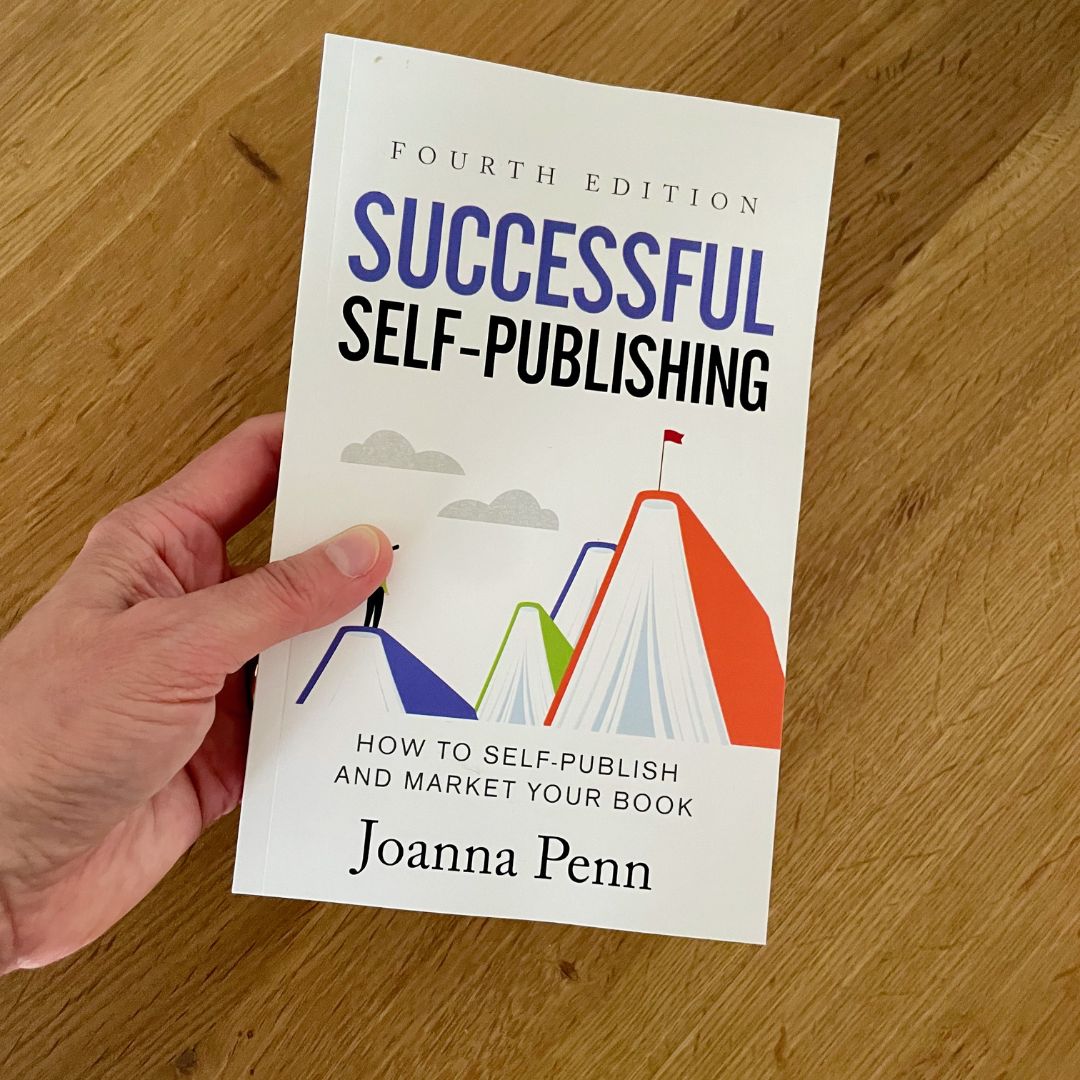
Successful Self-Publishing: How to self-publish a print book
I self-published my first book back in 2008 when I was living in Australia, and training to be a professional speaker. This was before the Kindle was available outside the US, before ebooks and print-on-demand and digital audio became mainstream. It was even the early days of social media and mobile commerce. A print book was really the only option and so I did a short run with a local printer.
I paid a considerable amount of money to print two thousand books. I thought they would fly off the shelves, make me loads of money, and change people’s lives.
I made it onto national TV and radio, but I only ended up selling around one hundred books. I ended up taking the rest to the landfill, because later that year, I discovered ebooks, print-on-demand, and internet marketing, which made everything so much easier and more cost effective!
These days, I’m passionate about producing high-quality print books that my readers love, but in a way that is sustainable and profitable for me, too.
In chapter 2.1, I gave an overview of the various formats, and in this chapter, I’ll go into more detail about additional elements you need for printing.
Print run or print-on-demand (POD)?
Most authors and even small publishers now use print-on-demand for selling books online through the retailers and even for direct stores.
I use Amazon KDP Print for Amazon stores, IngramSpark for wide print distribution into bookstores and libraries, as well as Bookvault for printing my Kickstarter special editions, and the books sold through my Shopify stores, CreativePennBooks.com and JFPennBooks.com. Some authors also use Lulu, Blurb, or Barnes and Noble Press, and you can also use aggregator Draft2Digital if you prefer.
Some successful indie authors with established distribution and a large audience prefer to do a print run and then sell direct. Each book ordered will be cheaper, but you need to store them and ship them, or use a drop-shipping service, which adds more cost and workload. This kind of physical distribution business is rare in the indie community, so I won’t cover it here. Instead, we will focus on print-on-demand options.
Most services offer set-up for free or for a small fee, then take a percentage of the sale when a book is sold. Some sites charge a fee to change the files, while others are free, or you can get discounted rates with some author memberships.
If you want the widest distribution for your books, then the Alliance of Independent Authors recommends using KDP Print for Amazon only. Don’t select Extended Distribution when you publish there. Then publish on IngramSpark for access to bookstores, libraries, and global stores.
What about quality?
The main criticism of POD books used to be about quality, but these days, the major companies offer excellent quality. Many publishers now use the same POD services as indie authors, and there is an increasing emphasis on special editions and high-quality print options, which you can access through Bookvault and other specialty printers.
Self-publishing a print book
Many of the fields from the previous chapter on how to self-publish an ebook are relevant for print, but you need a few extra specific things.
Trim size:
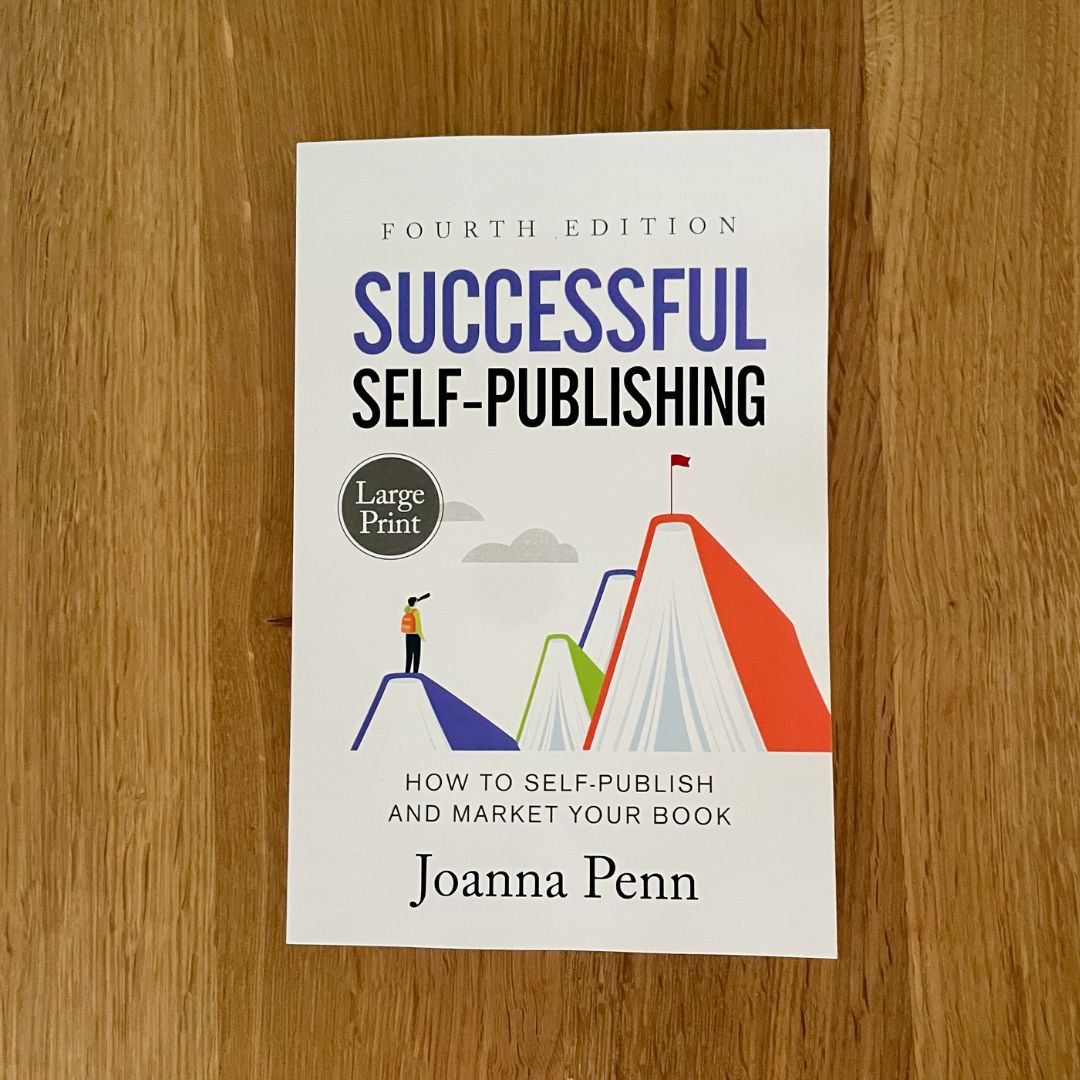
I use five by eight inches for my paperback and hardback books and I use 6.14 by 9.21 for large print editions. Once you’ve chosen a trim size, stick with it for related books so your series looks consistent and professional grouped together on a shelf.
Interior type:
Choose black and white or full color printing, then choose white or cream for your paper color. I mainly use black and white for my interior, with cream paper for fiction and white for non-fiction (which is the traditional choice within the industry). The two paper colors have different widths, so changing your mind about the color will affect the width of your spine and may require tweaks from your cover designer.
If diagrams or photos are critical for your book, you might need to switch to color, but remember, this significantly increases your unit cost. Because of the additional costs, I include color photo pages only in special editions.
Interior print file:
This is your book in print-ready PDF format. As with your ebook files, you can produce this yourself, or you can hire a professional.
You can use Vellum or Atticus for print formatting, as well as ebooks. You can also get free templates from the various print-on-demand services.
You can also find formatting options at:
www.TheCreativePenn.com/formatting
Cover file:
A cover for a print book includes the front, back, and spine.
The spine size is calculated from the paper type and the number of pages, which in turn is based on the size of the book, which font and font size you use, and other interior design decisions.
The back of the book usually has the sales description, your author bio and your author picture, if you want to use one, as well as your website.
There should also be space for a barcode, which can be generated by the POD service or your designer can add it.
You publish globally when you use POD, so don’t include a price on your cover, since the book will sell in multiple currencies and will change over time.
You can choose a matte or glossy finish on your book. I prefer matte, but you can always try both as a test and decide which you prefer. Some colors will look different depending on the type of cover you choose.
Once you upload the interior and the cover, the POD service will run some checks. It’s common for there to be errors at this stage, so fix up the problems and re-submit the files.
ISBN:
While many authors skip using ISBNs for ebooks, you need them for print. You can use free ISBNs issued by the POD services, but the Alliance of Independent Authors recommends that you purchase your own.
ISBNs are issued in each country by different companies — for example, Bowker in the US or Nielsen in the UK. The cost will vary, with some countries, like Canada, issuing them for free, while they can be pricey elsewhere.
For more detail on ISBNs, check out this article from the Alliance of Independent Authors: www.TheCreativePenn.com/isbn
Distribution channels:
On KDP Print, this is separated into two sections: Amazon and Expanded Distribution, which include libraries and academic institutions, bookstores, and online retailers.
If you choose to use both KDP Print and IngramSpark, then only complete the top section of this page and use IngramSpark for Expanded Distribution. This gives you the best of both worlds and you can offer discounts to bookstores and libraries.
Pricing, discounts, and returns:
Based on all the options you’ve chosen and the layout of your files, the calculated cost of printing will be displayed.
You can then add the price you want to sell the book for, which gives you a calculated profit. I usually set a price so I make at least US$2–$3 profit per print book. If you want to make more money, increase the price. It’s your choice.
You can never lose money on KDP Print as they have no returns and all the costs are included.
If you use returns on IngramSpark, you could owe money at some point, so personally, I don’t allow returns. However, some authors use returns and higher discounting to sell more effectively into bookstores.
On IngramSpark, you will need to set a wholesale discount, usually 40 to 55 percent.
Categories:
You need to choose BISAC categories to categorize your books. IngramSpark also has Thema codes and Regional codes, so complete all the fields that are appropriate.
Large Print:
Select if applicable.
* * *
Submit your files for processing and the platform will run some checks. It’s normal to get some errors here, so just redo the files and upload again.
Once your book has been approved — and this may take a few days or longer depending on the platform — order a physical proof copy to check the formatting. I’m always thrilled to open up a parcel with the first copy of a new book!
The beauty of print-on-demand is that you can continue to improve your book over time. If you need to make subsequent changes to your books once they’re live, remember that you can always upload new files. This is free on some services and costs a fee on others.
Print books still represent a significant portion of the market, especially for non-fiction, and having your book available in multiple formats will help you reach the widest possible audience. So take the time to create a quality print book. Your readers will appreciate it!
Resources:
• KDP Print for Amazon — kdp.amazon.com
• IngramSpark for wide distribution — www.IngramSpark.com
• Bookvault for crowdfunding, direct sales, and more — www.bookvault.app
• Lulu for direct sales — www.lulu.com
• Barnes and Noble Press — press.barnesandnoble.com
• Blurb — www.blurb.com
• D2D Print — www.draft2digital.com
• Formatting options — www.TheCreativePenn.com/formatting
• ISBNs Made Easy — www.TheCreativePenn.com/isbn